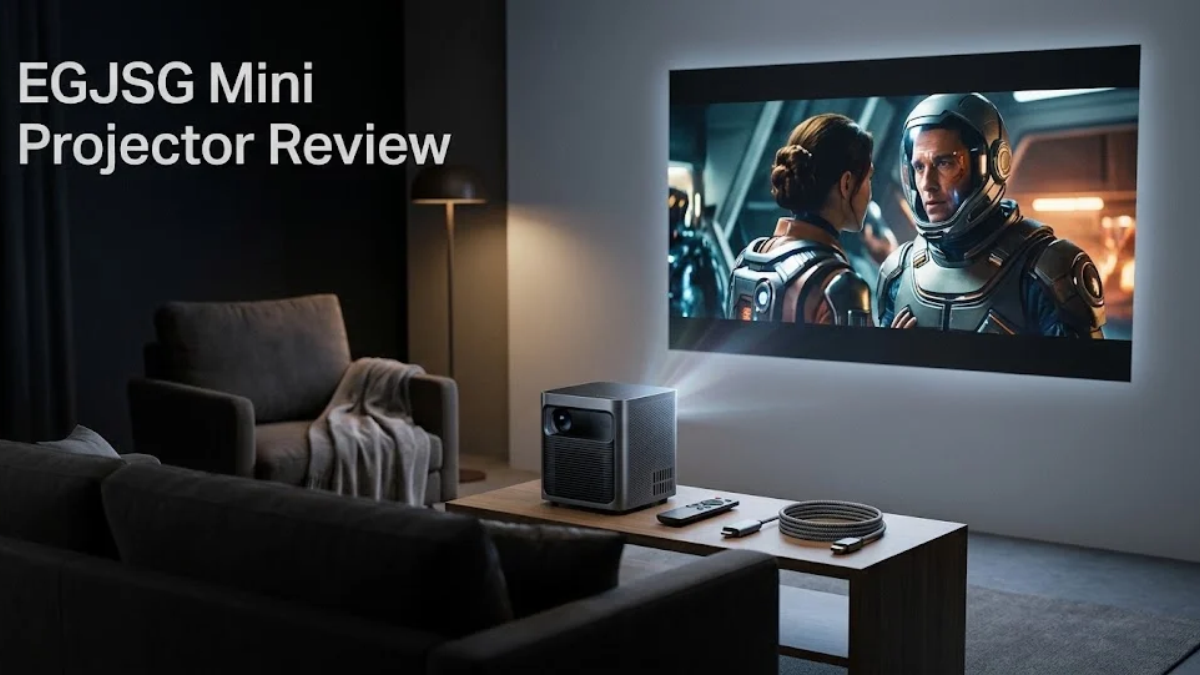
The EGJSG Mini Projector is a range of compact budget projectors rather than a single specification set. Current EGJSG listings include a native 720p model with 1080p support and a separate native 1080p model with electric focus, so checking the exact version matters before buying.
This review uses current manufacturer information plus independent projector references; it is not presented as a personal hands-on laboratory test.
EGJSG Is a Brand, Not Just One Projector
One of the easiest mistakes with an EGJSG search is assuming every listing describes the same projector. The current EGJSG store shows a navy-blue portable model priced at $129 and a gun-gray one-button-focus model priced at $159 when checked. Their specifications are not identical.
The navy-blue model is listed with a 1280 × 720 native resolution, 1080p input support, USB-C charging, Wi-Fi and Bluetooth, while the gun-gray one-button-focus model is listed with native 1920 × 1080, 4K input support, dual-band Wi-Fi, Bluetooth 5.2, digital zoom and electric focus.
That difference should be the starting point for any serious EGJSG review.
N1 vs V3: The Main Specification Difference
The clearest way to understand the range is to compare the two identifiable models.
The EGJSG N1-style model uses a native 720p LCD image while accepting 1080p content. Independent projector specifications also list it at around 300 ANSI lumens, with a 5,000:1 contrast ratio and support for wireless screen mirroring.
The EGJSG V3-style model is more capable on paper. Its independent specification listing gives 1920 × 1080 native resolution, about 350 ANSI lumens, a 10,000:1 contrast ratio, Bluetooth 5.2, automatic focus, and support for 4K input.
For buyers, the practical distinction is simple: the 720p version is aimed more at basic portable viewing, while the native-1080p version has a stronger case when image detail matters.
How Bright Is the EGJSG Mini Projector Really?
Brightness is one of the most confusing parts of budget projector shopping because marketing labels do not always use the same measurement standard.
EGJSG’s navy-blue listing advertises 16,000 lumens, but the same listing separately specifies a native 720p display. Independent projector references use ANSI lumens for comparable measurements and list approximately 300 ANSI lumens for the N1 and 350 ANSI lumens for the V3.
These numbers should not be treated as interchangeable. A large “lumens” number in a marketplace listing does not automatically mean the projector produces that amount of standardized ANSI brightness.
The practical lesson is more useful than the headline number: expect an EGJSG mini projector to perform best in a dark or dimly lit room. The independent V3 specification reference says 350 ANSI lumens can illuminate a screen width of roughly 190 cm in a dark room, while recommending a smaller image when ambient light is present.
Is 4K Support the Same as Native 4K?
No. This distinction matters.
The current EGJSG V3-style listing describes the projector as native 1080P with 4K movie support. Independent specifications similarly identify 1920 × 1080 as the native resolution while allowing 4K input.
That means a compatible 4K source can be accepted and processed, but the projector’s physical display resolution remains 1080p. It should therefore not be described as a native 4K projector.
The same principle applies to the 720p model: support for 1080p video does not turn a 1280 × 720 display into a native 1080p projector.
How Good Is the Picture for Movies?
For casual movie watching, the stronger native-1080p EGJSG model makes more sense because it can resolve more image detail than a native 720p unit. The V3 is specified with a 1920 × 1080 LCD image, 350 ANSI lumens,s and a 10,000:1 contrast ratio.
The trade-off is brightness. Even a native 1080p projector can look disappointing if it is used against strong daylight or bright room lighting.
The best setup is therefore straightforward: keep the room dark, reduce stray light, choose a reasonable screen size and avoid assuming that the projector’s maximum advertised image size is its ideal everyday size.
How Useful Are Wi-Fi, Bluetooth and USB-C?
Connectivity is one of EGJSG’s more practical strengths.
The current 720p model includes USB-C charging, Wi-Fi-based or wired smartphone synchronization, HDMI, USB and AV connections, while its product page says it can be powered outdoors with a suitable power bank. EGJSG specifies a 20V 1.5A output for power-bank use.
The V3-style model adds 2.4GHz and 5GHz Wi-Fi, Bluetooth 5.2, HDMI, USB, AV, and a 3.5mm audio connection. Its listing also includes a carry bag.
That makes these projectors more flexible than a basic HDMI-only projector, especially for users who move the device between rooms or occasionally take it outside.
Is It Suitable for Outdoor Movie Nights?
It can be, but the timing and lighting matter.
The manufacturer specifically promotes these models for outdoor use, and the V3 page lists a projection range of 30 to 300 inches. The independent V3 specification source, however, indicates that brightness limits the practical screen size as ambient light increases.
That means the best outdoor scenario is after sunset, with a relatively controlled viewing area. Using a small projector like this in the afternoon and expecting television-like brightness would create unrealistic expectations.
A smaller image can also look more usable than simply chasing the largest advertised screen size.
What About Gaming and Presentations?
The EGJSG range is potentially useful for casual gaming and presentations because of its HDMI connectivity and portable design. The V3-style model is also listed as supporting devices such as laptops, game consoles, and streaming devices.
However, a buyer should not assume that a projector is automatically a gaming-focused display. The available sources do not establish a measured input-lag result for these models, so competitive gaming performance should be tested rather than promised.
For presentations, contrast and room lighting are more important than a giant image. Text-heavy slides should be tested at the actual viewing distance before relying on the projector for professional work.
The Advantages of the EGJSG Mini Projector
The strongest feature of the EGJSG range is flexibility. Depending on the model, buyers can get Wi-Fi screen mirroring, Bluetooth audio, USB-C charging, HDMI, built-in speakers, portability, and a carry bag.
The V3-style model is particularly interesting because it combines native 1080p output with electric focus, digital zoom, dual-band Wi-F, i and Bluetooth 5.2.
The value is therefore less about premium cinema performance and more about getting a convenient large-screen setup without a large projector chassis.
Comparison Table
| Factor | EGJSG N1-style model | EGJSG V3-style model |
| Native resolution | 1280 × 720 | 1920 × 1080 |
| Supported input | Up to 1080p | Up to 4K input |
| Listed brightness | About 300 ANSI lumens independently listed | About 350 ANSI lumens independently listed |
| Wi-Fi | Wi-Fi/screen mirroring | 2.4GHz + 5GHz Wi-Fi |
| Bluetooth | Yes | Bluetooth 5.2 |
| USB-C | Charging | Not highlighted on current V3 listing |
| Focus | Standard model | Electric focus |
| Price checked | $129 | $159 |
| Best suited to | Lower-cost casual viewing | Sharper portable viewing |
Specifications above are based on the current EGJSG product pages and independent projector references; the exact marketplace SKU should be verified before purchase.
The Limitations You Should Know Before Buying
The biggest limitation is brightness. A small budget projector with roughly 300–350 ANSI lumens is much more dependent on room darkness than a brighter home-theater projector.
The second limitation is specification confusion. The EGJSG name covers multiple configurations, and older or marketplace listings may use different feature descriptions. That is why the product model, native resolution, and brightness measurement should be checked before purchase.
The third limitation is that a built-in speaker is convenient but does not necessarily provide the same experience as a dedicated sound system. Bluetooth support is useful because it allows external audio equipment on compatible models.
Who Should Buy an EGJSG Mini Projector?
An EGJSG mini projector makes the most sense for someone who wants a portable, budget-oriented projector for dark-room movies, casual outdoor nights, bedroom entertainment, phone mirroring, or occasional presentations.
The 720p model is suitable when portability and lower cost matter more than maximum image detail. The native-1080p V3-style version is more suitable when sharper output and additional convenience features are worth paying for. Current EGJSG prices checked on the manufacturer’s site were $129 and $159 respectively, although prices can change.
When Should You Choose Another Projector?
Look elsewhere when you need strong performance in a bright room, consistently high brightness, verified low input lag, premium contrast, color accuracy, or a clearly documented professional support ecosystem.
The EGJSG range is best understood as a budget portable projector category, not a replacement for a bright dedicated home-cinema projector.
How to Test an EGJSG Projector Before Keeping It
A useful real-world test should be simple and repeatable.
Start with the exact model number. Then confirm native resolution in the settings or documentation, rather than relying only on the product title. Test a movie scene with dark detail, a bright outdoor scene,e and a text-heavy presentation.
Next, test the projector at the screen size you actually intend to use. Compare the result with the room lights on and off. Test HDMI playback, wireless phone mirroring, Bluetooth audio, IO, and any USB-C power-bank setup you plan to use.
This approach gives you information that a long specifications list cannot provide.
Conclusion
The EGJSG Mini Projector can be a sensible budget option when portability, connectivity and dark-room viewing matter more than premium brightness. The most important step is identifying the exact model because the EGJSG range includes meaningful differences in native resolution, charging, and features.
The most useful takeaway from this review is not the large lumen figure printed in some listings. It is to compare native resolution, standardized brightness information, real screen size, connectivity, and the lighting conditions in which you will actually use the projector.
That makes the EGJSG range easier to evaluate honestly and avoids buying a projector based on one impressive number alone.
You amy also like: Yonopress
FAQs
Is the EGJSG Mini Projector really 16,000 lumens?
The current EGJSG 720p product listing uses a 16,000-lumen marketing figure, while independent projector references identify approximately 300 ANSI lumens for the corresponding N1 model. These measurements should not be treated as equivalent.
Should I avoid an EGJSG projector because it is a budget brand?
Not automatically. The better question is whether the exact model provides the resolution, brightness, and connectivity you need. The main limitation is that budget mini-projector specifications can be difficult to compare across listings.
Does 4K support mean the EGJSG is a 4K projector?
No. The V3-style model is listed as native 1080p while supporting 4K input.
What practical issue do buyers often overlook?
Room lighting. A projector can have acceptable specifications but still look weak when used against daylight or strong indoor lighting. Independent V3 data specifically shows that usable image size decreases as ambient light increases.
Which EGJSG model makes more sense for longer-term use?
The answer depends on the use case, but the native-1080p V3-style model provides more image resolution and additional convenience features such as electric focus, dual-band Wi-Fi, and Bluetooth 5.2. That specification advantage does not eliminate the need to consider brightness and room conditions.
Share this content: